

SlickCell help centreInventory & device unitsUpdated
Add a device to stock
Put a second-hand device on the shelf with its own IMEI or serial number, condition, cost and price, so it is priced as itself rather than as a model.
By the end of this the device is on the shelf as its own row, sellable by IMEI or serial number, with a cost that will show up correctly in profit when it sells.
Find or create the model
Inventory → Items. If you already stock that model, open it; if not, add it as a device. The model holds the name and the default price; the units hold everything that varies.
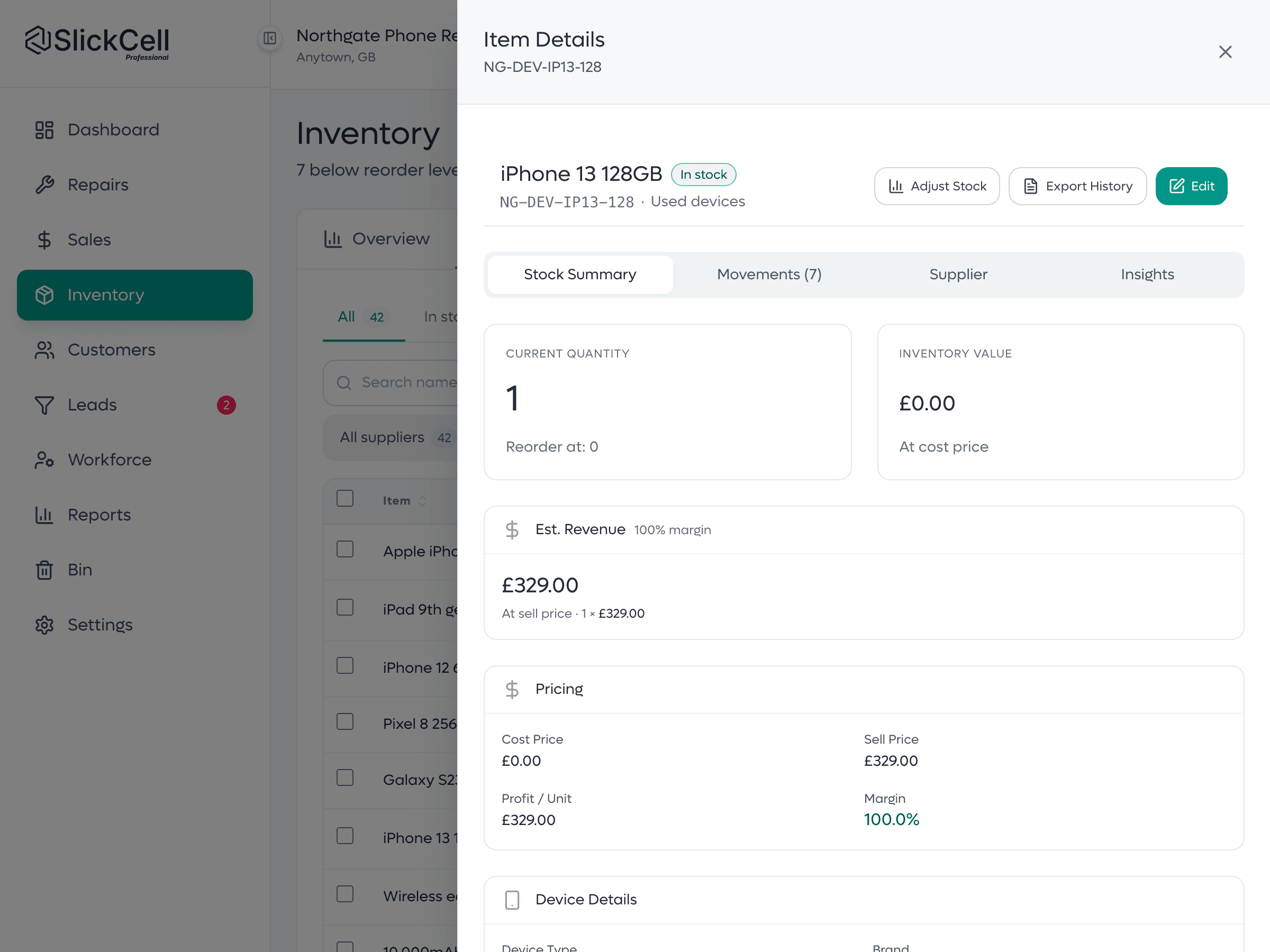
Add the unit
Enter the IMEI or serial, the condition, the storage and colour, what you paid and what you are asking. Anything else the shop records (battery health, network, whether it is boxed) goes on the unit too.
The reference is free text. A full IMEI, a serial, the last five digits or your own sticker number are all fine; nothing is rejected for the wrong shape.
Check the model's quantity
It has gone up by one, because it counts the units. There is no number to correct.
Questions that come up
- Two devices with the same IMEI or serial number
- Not possible, and that is the point: one reference is one physical device.
- I do not know the IMEI or serial number yet
- Use a shop reference for now and correct it later. An unlabelled device on a shelf is the thing this is meant to prevent.